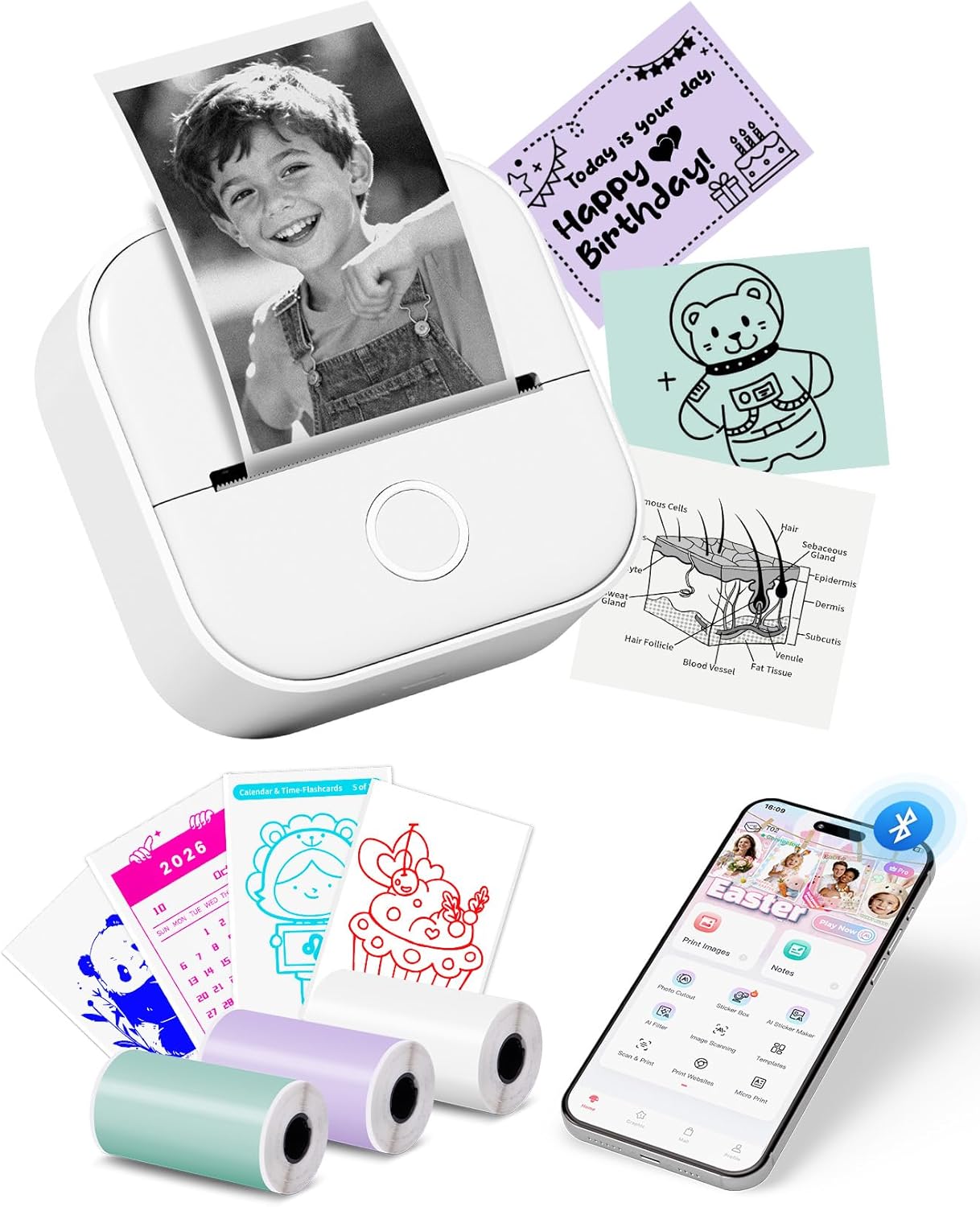
Memoking Sticker Printer Instant Print for Kids, T02 Print Pod Mini Printer | Sticker Maker Machine, Instant Phone Photo Printers for Study, Fun, Games, Stickers, Labels, Flashcards, Pink. Brand new in original packaging with all accessories.
✨ Key Features
What Functions Provided in APP: 9 powerful functions for super easy unique customization. Combining text, pictures, tables, emojis and QR code to make unique sticker pictures. Hundreds of templates and graphics provided in APP. "OCR" and "Scan" make it possible to transfer an objects or words in daily life into digital editable version. Moreover, micro letters, banners, online web printing are achievable in APP
Creative Instant Print for Kids: Memoking children's printer can print black and white photos instantly. The mini sticker printer comes with 1/2 roll of printing paper to help you start to use. Children can print lovely photos and pictures anytime and anywhere, allowing them to enjoy the fun of instant printing
Use Occasions: Memoking T02 203 dpi small sticker printer is suitable for printing photos, memos, records, plenty of APP themes in your home, school and office for students, children, teachers, handwork teaching, work plans, shopping lists, "TO DO" lists and so on
Types of Thermal Papers Supported: Memoking T02 mini pocket printer works with sticky and non-sticky thermal papers with monochrome printouts on white, pure color, patterns paper and blue printouts on special white paper
Important Precaution: 1. Please connect Bluetooth from APP. 2. No paper alert: although there are papers in the machine, it still shows "not paper". Solution: take the paper roll out, then long press the power button for 10 seconds until you see green light flashes 2 times. After that, put that paper into the machine again to print normally. 3. The printed content is easy to shift without the paper holder